
Close Menu
H24 NewsH24 News

    Subscribe to Updates

    Get the latest creative news from FooBar about art, design and business.

    What's Hot

    Jonathan Lehrer Sentenced to Life in Double Murder in Dominica

    November 23, 2026

    5 High Horsepower Performance Engines That Are Seemingly Indestructible

    November 23, 2026

    NYC Mayor Mamdani to undergo surgery this week following soccer injury

    November 23, 2026
    Facebook X (Twitter) Instagram
    Trending
    • Jonathan Lehrer Sentenced to Life in Double Murder in Dominica
    • 5 High Horsepower Performance Engines That Are Seemingly Indestructible
    • NYC Mayor Mamdani to undergo surgery this week following soccer injury
    • Marvel crams every superhero ever into Avengers: Doomsday final trailer
    • Trump Says He ‘Convinced’ Nvidia Board to Reinstate Jensen Huang
    • Court Bars BYD Ti7 From Sale In Europe For Looking Way Too Much Like A Land Rover Defender
    • Israeli strikes kill at least three, including UNRWA worker, in Gaza | Gaza News
    • U.S. Intelligence Chief Warns of More Tech Outages
    H24 NewsH24 News
    Subscribe
    • Home
    • Top News
    • Technology
    • Entertainment
    • Lifestyle
    • Home & Living
    • Auto
    H24 NewsH24 News
    Home»Technology»What The Green Flashing Light On Your Roku Remote Is Telling You
    Technology

    What The Green Flashing Light On Your Roku Remote Is Telling You

    h24By h24November 23, 2026No Comments4 Mins Read
    Facebook Twitter Pinterest LinkedIn Tumblr Email
    What The Green Flashing Light On Your Roku Remote Is Telling You
    Share
    Facebook Twitter LinkedIn Pinterest Email

    A remote that won’t cooperate can put your streaming plans on hold. Here’s how to work out what’s wrong and get back to the content you love.


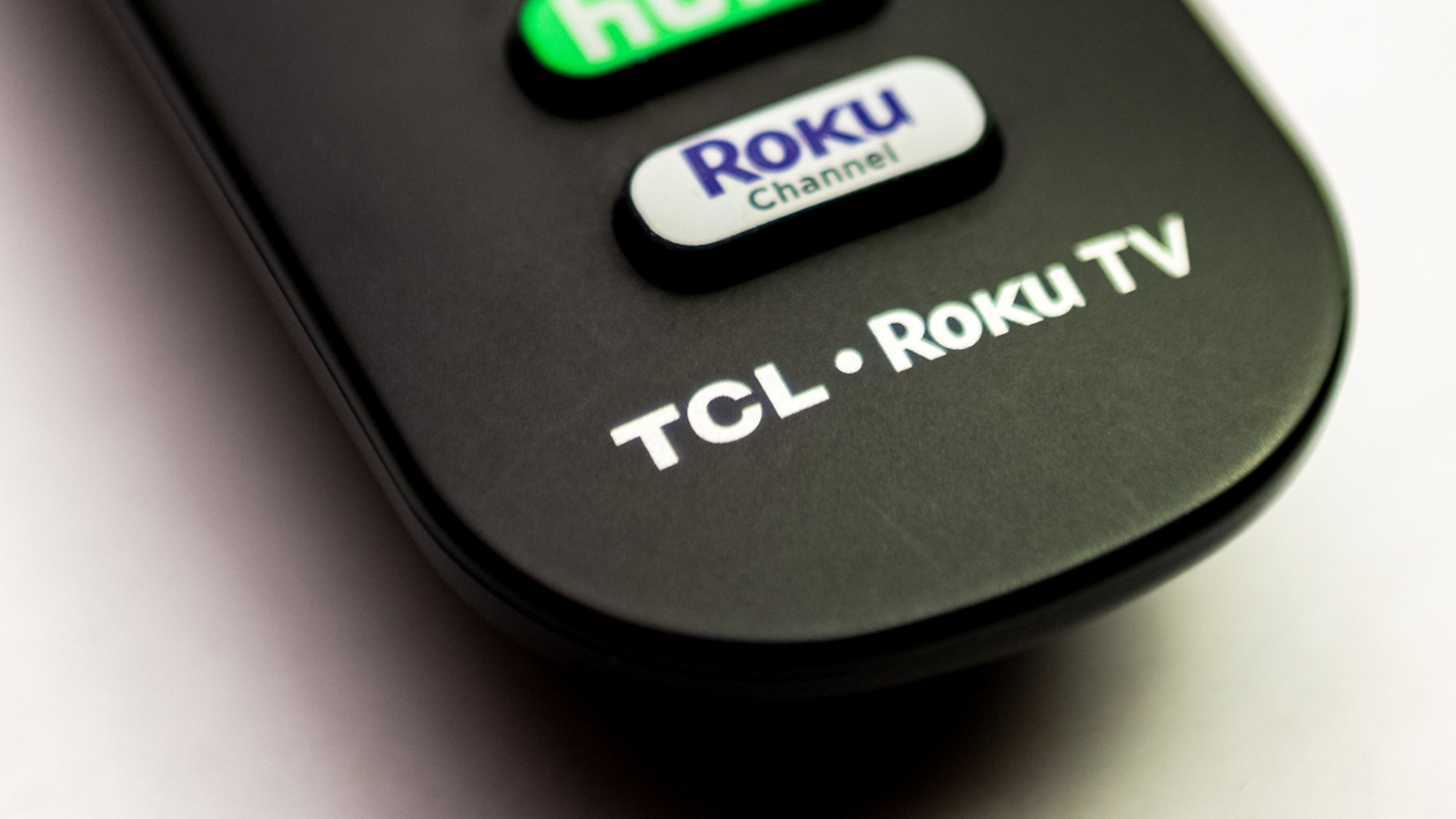
    An extreme close-up on a TCL Roku remote.
    rylansamazingphotography/Shutterstock

    Regardless of what you think of Fox’s takeover, Roku is still an undeniable force in smart TVs. The company’s products are an easy choice when looking for the best streaming devices, and of course a number of TVs now ship with Roku OS built in, most notably models from TCL and Hisense. Roku is the main game in town for brands that are not using Google TV, Fire TV or their own proprietary software.

    One of the reasons for the platform’s popularity is its simplicity. That said, there are times when the platform can be a little obtuse, mysterious blinking lights on the remote being a prime example. It’s easy to assume that means a problem — but what, exactly?

    If you’re dealing with a flashing green LED on your Roku remote, the fix could be very straightforward, simply requiring fresh batteries or a recharge, depending on the model. In some circumstances, however, you may need to do more or replace your remote entirely. Hopefully you’ve already got the Roku app on your phone as a backup, which can save you in a pinch when your remote is on the fritz.

    How to deal with the green light on your Roku remote


    Looking top-down at a Roku remote on a marble surface.
    Ilze_Lucero/Shutterstock

    As we just suggested, one reason for the light may be that your remote’s batteries are low. If that’s the case, swapping in new batteries (if there’s no built-in one) should quickly solve the problem. If you find this is happening too frequently, though, it may be because you’re using rechargeable batteries. Alkalines are costlier in the long run — but Roku does recommend them for remotes with replaceable batteries. You can check battery levels in advance by navigating to Settings > Remotes & devices > Remotes > Your remote > About.

    You’ll also see this light if you’re trying to set up a replacement remote. Using your old one or the Roku app, you may need to head to Settings > Remotes & devices > Add devices > Remote > Continue to complete the process. You’ll definitely see green flashing if you trigger a remote’s physical pairing controls, which is done by holding a dedicated button or the Back and Home buttons simultaneously for five seconds.

    There’s no need to be worried unless the light is flashing rapidly after re-pairing. If that’s going on, it’s a sign that your remote is probably broken and needs to be replaced. Note that you can also buy third-party remotes; sticking with one of Roku’s official options should get you better support and features. Whatever you choose, verify that it’s going to be compatible with your particular TV or streamer.

    What to do if you’re still having problems


    A Roku remote with buttons for Netflix, Disney+, Apple TV and Discovery+.
    Charles-McClintock Wilson/Shutterstock

    If you’ve run through all of the above steps short of replacing your remote, one remaining option is to restart it. If it uses replaceable batteries, take them out, then press any two buttons before reinserting the batteries, negative sides first. If it uses a built-in battery, hold down its physical pairing controls (see the last section) for 20 seconds. 

    At this point, there’s not much else you can try short of clearing the cache on your Roku or updating or rebooting your Roku device, or you could learn how to reset your Roku. Be warned that if you try a reset, you’ll have to reconfigure everything as if it were right out of the box. It’s also unlikely to solve a green light issue, since as we’ve established, that’s normally related to battery levels or pairing, not buggy software.

    If worst comes to worst, you may be stuck using your phone for control. One pro tip, though — you don’t always have to use the Roku app. If your setup supports AirPlay from iPhone or MacBook to your TV or screen mirroring on Roku with your Android phone, you can often cut to the chase with whatever audio or video it is you’re trying to play.

    Flashing Green Light remote Roku Telling
    Share. Facebook Twitter Pinterest LinkedIn Tumblr Email
    h24
    • Website

    Related Posts

    Marvel crams every superhero ever into Avengers: Doomsday final trailer

    November 23, 2026

    U.S. Intelligence Chief Warns of More Tech Outages

    November 23, 2026

    Jensen Huang reinstated as Nvidia CEO, board chair

    November 23, 2026

    Comments are closed.

    Demo
    Top Posts

    Victorian Architecture Meets Mediterranean Charm in This Warm and Whimsical London Home

    November 7, 20264 Views

    U2’s ‘Carnaval de Luz’ Album: Review

    November 8, 20263 Views

    Jensen Huang Admits Affair with Suspected Chinese Spy

    November 9, 20262 Views
    Stay In Touch
    • Facebook
    • YouTube
    • TikTok
    • WhatsApp
    • Twitter
    • Instagram
    Latest Reviews

    Subscribe to Updates

    Get the latest tech news from FooBar about tech, design and biz.

    Demo
    Most Popular

    Victorian Architecture Meets Mediterranean Charm in This Warm and Whimsical London Home

    November 7, 20264 Views

    U2’s ‘Carnaval de Luz’ Album: Review

    November 8, 20263 Views

    Jensen Huang Admits Affair with Suspected Chinese Spy

    November 9, 20262 Views
    Our Picks

    Jonathan Lehrer Sentenced to Life in Double Murder in Dominica

    November 23, 2026

    5 High Horsepower Performance Engines That Are Seemingly Indestructible

    November 23, 2026

    NYC Mayor Mamdani to undergo surgery this week following soccer injury

    November 23, 2026

    Subscribe to Updates

    Get the latest creative news from FooBar about art, design and business.

    • About Us
    • Terms and Conditions
    • Privacy Policy
    • Disclaimer
    © 2026 H24. Designed by Webpointt.

    Type above and press Enter to search. Press Esc to cancel.