
Close Menu
H24 NewsH24 News

    Subscribe to Updates

    Get the latest creative news from FooBar about art, design and business.

    What's Hot

    Netanyahu fights to stay relevant as Israel’s opposition closes in | Israel Election 2026 News

    November 11, 2026

    Ring cameras go mobile as Amazon debuts AI-powered security drone and robot

    November 11, 2026

    Henry Rollins Interview: Punk Rock Exhibit, Moving to Nashville

    November 11, 2026
    Facebook X (Twitter) Instagram
    Trending
    • Netanyahu fights to stay relevant as Israel’s opposition closes in | Israel Election 2026 News
    • Ring cameras go mobile as Amazon debuts AI-powered security drone and robot
    • Henry Rollins Interview: Punk Rock Exhibit, Moving to Nashville
    • South African swimmer Tatjana Smith switches allegiance to Netherlands | Olympics
    • Microsoft Officially Rolls Out Auto Super Resolution for ROG Xbox Ally X and X20
    • How to Watch Love & Hip Hop: The Final Chapter Online for Free
    • Kennedy family members ask a judge to block Trump’s Arlington memorial arch
    • Why Your Roku Might Be Plugged Into The Wrong HDMI Port
    H24 NewsH24 News
    Subscribe
    • Home
    • Top News
    • Technology
    • Entertainment
    • Lifestyle
    • Home & Living
    • Auto
    H24 NewsH24 News
    Home»Technology»Why Your Roku Might Be Plugged Into The Wrong HDMI Port
    Technology

    Why Your Roku Might Be Plugged Into The Wrong HDMI Port

    h24By h24November 11, 2026No Comments4 Mins Read
    Facebook Twitter Pinterest LinkedIn Tumblr Email
    Why Your Roku Might Be Plugged Into The Wrong HDMI Port
    Share
    Facebook Twitter LinkedIn Pinterest Email

    Your Roku might lose a few features if you plug it into any old HDMI port on your TV.


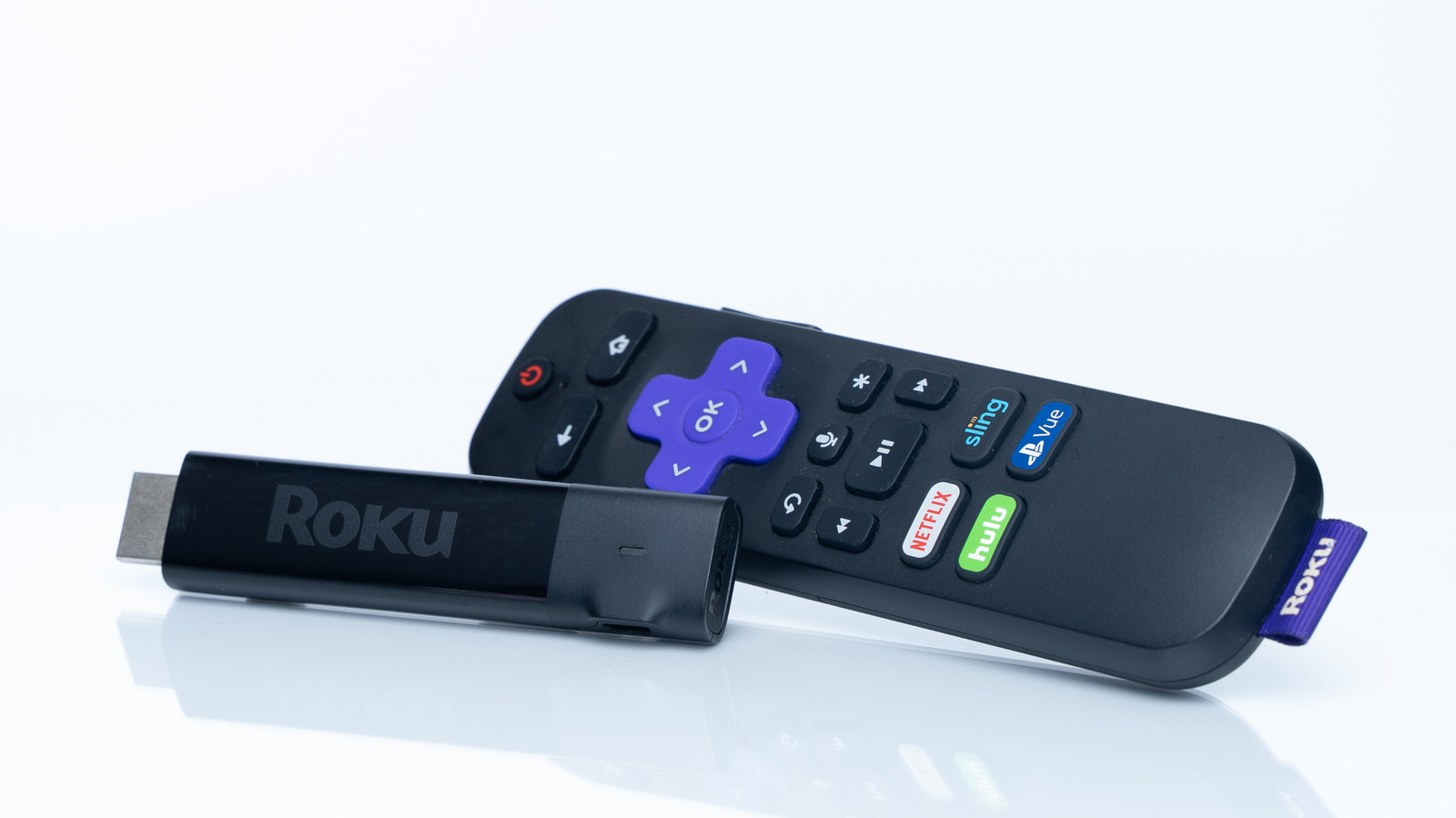
    A Roku Streaming Stick and its remote on a white background.
    Fozan Ns/Shutterstock

    Depending on your smart TV, an add-on media streaming device isn’t necessarily essential, but they can still provide a lot of value. Perhaps your TV’s processor can’t keep up with the latest apps and features, or you might prefer a specific ecosystem. That’s what Apple is banking on to sell the 2026 Apple TV 4K, which is now an extremely pricey box at $299.

    Roku streamers are far cheaper, but can still come with other concerns. You might be worried about your Roku monitoring what you watch, for example, or the implications of Fox’s pending takeover. On a more mundane level, there’s an issue applicable to any connected device: getting the best possible performance from your TV.

    To do that, it’s vital to you select the right HDMI port and cable. It’s hard to go too far wrong with Roku devices, but a mistake could still mean getting inferior video or sound.

    Picking the right HDMI port for your Roku


    Close-up of the golden tip of an HDMI cable.
    Monticelllo/Getty Images

    The reason it’s hard to go wrong is that for the most part, Roku devices don’t exploit any features unique to HDMI 2.1 or later, and all modern TVs support at least HDMI 2.0. Standards like 4K, HDR10+, Dolby Atmos and Dolby Vision can all work over 2.0, if not necessarily in their optimal form. Optimal would include 120Hz-plus refresh rates — but even Roku’s top-of-the-line Ultra is capped at 60Hz, regardless of which port you plug it into. 

    That’s acceptable, since 24fps is the most common playback speed for TV and movies while 30fps is used for news. 60fps content (equaling 60Hz) is common on YouTube, Twitch and many live TV streaming services; any modern Roku will support this. 120Hz would simply enable clearer motion, which is mostly relevant for gaming.

    The Roku Ultra does support an HDMI 2.1 feature called Quick Media Switching (QMS). This allows refresh rates to shift up or down seamlessly, like if you’re flipping from the 30fps evening news to the 24fps cinematic standard. Without QMS, you’re going to run into temporary blackouts when a frame rate shift occurs.

    In some cases, only certain HDMI ports on your TV will support HDR standards like Dolby Vision. Or if that barrier doesn’t exist, you might have to go into your TV’s input settings to flip a port over to the appropriate “enhanced” option. Ports are often set to reduced capabilities by default for the sake of compatibility. But since it’s unlikely that you’d run into conflicts, you might as well enable modern functionality across the board. Check your manufacturer’s website to figure out which ports support HDR and which menus you might need to navigate.

    On sound, cables and similar


    Various ports on the back of a TV, with HDMI and Ethernet connected.
    Toa55/Shutterstock

    Another important point here is that you shouldn’t plug a Roku into your TV’s ARC or eARC port. While that technology is essential for some audio features like Dolby Atmos, labeled ports are intended for compatible output devices like soundbars, receivers and other speaker systems. If a TV supports ARC or eARC, it’s automatically pulling audio from every HDMI 2.x input, regardless of how it’s marked.

    Along with the right ports, it’s also important to choose a matching cable. If your Roku does support HDMI 2.1 features, a 2.0 cable will prevent them from working. If there’s any doubt about what you have, HDMI 2.1 and even 2.2 (also known as Ultra96, which is not in wide use yet) cables are easy to find at low prices.

    Computers and game consoles should always get priority for available HDMI 2.1 or 2.2 ports, since they can fully take advantage of high refresh rates and VRR (variable refresh rate). Streamers like Rokus are further back in the line, at least until manufacturers start taking advantage of everything newer TVs are capable of.

    HDMI Plugged port Roku Wrong
    Share. Facebook Twitter Pinterest LinkedIn Tumblr Email
    h24
    • Website

    Related Posts

    Ring cameras go mobile as Amazon debuts AI-powered security drone and robot

    November 11, 2026

    Microsoft Officially Rolls Out Auto Super Resolution for ROG Xbox Ally X and X20

    November 11, 2026

    The US military seems to be getting nervous about the launch supply crunch

    November 11, 2026

    Comments are closed.

    Demo
    Top Posts

    U2’s ‘Carnaval de Luz’ Album: Review

    November 8, 20263 Views

    Victorian Architecture Meets Mediterranean Charm in This Warm and Whimsical London Home

    November 7, 20263 Views

    Jensen Huang Admits Affair with Suspected Chinese Spy

    November 9, 20262 Views
    Stay In Touch
    • Facebook
    • YouTube
    • TikTok
    • WhatsApp
    • Twitter
    • Instagram
    Latest Reviews

    Subscribe to Updates

    Get the latest tech news from FooBar about tech, design and biz.

    Demo
    Most Popular

    U2’s ‘Carnaval de Luz’ Album: Review

    November 8, 20263 Views

    Victorian Architecture Meets Mediterranean Charm in This Warm and Whimsical London Home

    November 7, 20263 Views

    Jensen Huang Admits Affair with Suspected Chinese Spy

    November 9, 20262 Views
    Our Picks

    Netanyahu fights to stay relevant as Israel’s opposition closes in | Israel Election 2026 News

    November 11, 2026

    Ring cameras go mobile as Amazon debuts AI-powered security drone and robot

    November 11, 2026

    Henry Rollins Interview: Punk Rock Exhibit, Moving to Nashville

    November 11, 2026

    Subscribe to Updates

    Get the latest creative news from FooBar about art, design and business.

    • About Us
    • Terms and Conditions
    • Privacy Policy
    • Disclaimer
    © 2026 H24. Designed by Webpointt.

    Type above and press Enter to search. Press Esc to cancel.