

From emergency help to medication reminders, your Apple Watch can support you as you age.
Apple Watches are owned by people of all ages, so wearing one doesn’t mark you as vulnerable, unlike a medical pendant. This is important to some older people who do not see themselves as “seniors”, as explained by the National Institute of Aging. Older individuals know age does not stop them from living independent lives, and an Apple Watch can help them stay healthy when they do.
The idea that technology can help older people live independently for longer is hugely attractive to independent-minded boomers. Stand and movement reminders, fitness tracking and the step counter help seniors stay more active, keeping them healthier for longer. As Apple invests in healthcare research, the smartwatch gets better at detecting short term illness, boosting self-care.
With permission, the Find My app helps younger people take better care of their elderly relatives by tracking their location. There are also a number of health alerts every senior with an Apple Watch should set up.
Emergency SOS on your Apple Watch is crucial
Apple Watch has great tools for emergency help, which can be especially beneficial for seniors. These include Emergency SOS, Medical ID and Emergency Contacts.
Emergency SOS contacts emergency services when things go wrong. To use this feature, press and hold the side button, then drag the Emergency Call slider or keep holding the button until the call is made. This needs a cellular watch with an active plan, Wi-Fi calling or the paired iPhone nearby.
To turn on Emergency SOS, open the Watch app on your iPhone, tap Emergency SOS and turn on Hold Side Button to Dial.
Access to Medical ID and Emergency Contacts can be found in the Health app on your iPhone. Tap your profile picture and select Medical ID. Tap Edit, enter your details and add trusted Emergency Contacts. Medics who find your Apple Watch will review your Medical ID, so keep your allergies or conditions up to date to help medics deliver the treatment you need.
Fall Detection can help if you fall
Over one in four people aged 65 or older fall unexpectedly each year, says the US Centers for Disease Control and Prevention (CDC). In addition, 319,000 older people are hospitalized for hip fractures after a fall every year. Pew Research claims that, in 2023, 26% of US adults aged 65 or older lived alone, which compounds the potential risk of falling. Fall Detection may protect them.
Fall Detection is enabled automatically if you tell the Health app you are 55 or older. Once activated, it will call emergency services if the built-in sensors on your Apple Watch detect you are immobile after taking a fall.
If you fall, an alert message appears on your Apple Watch display, asking if you fell. If you request help, do not answer or remain immobile, the system will call emergency services. To turn on Fall Detection, open Emergency SOS on your iPhone and toggle feature On. On Apple Watch, open Settings > SOS, toggle Fall Detection to On, Select Always On and confirm.
Crash Detection does the same after a car crash and is available on recent Apple Watch models. To turn on Crash Detection, go to Emergency SOS and toggle Call After Serious Crash to On.
Your Apple Watch has heart-health alerts
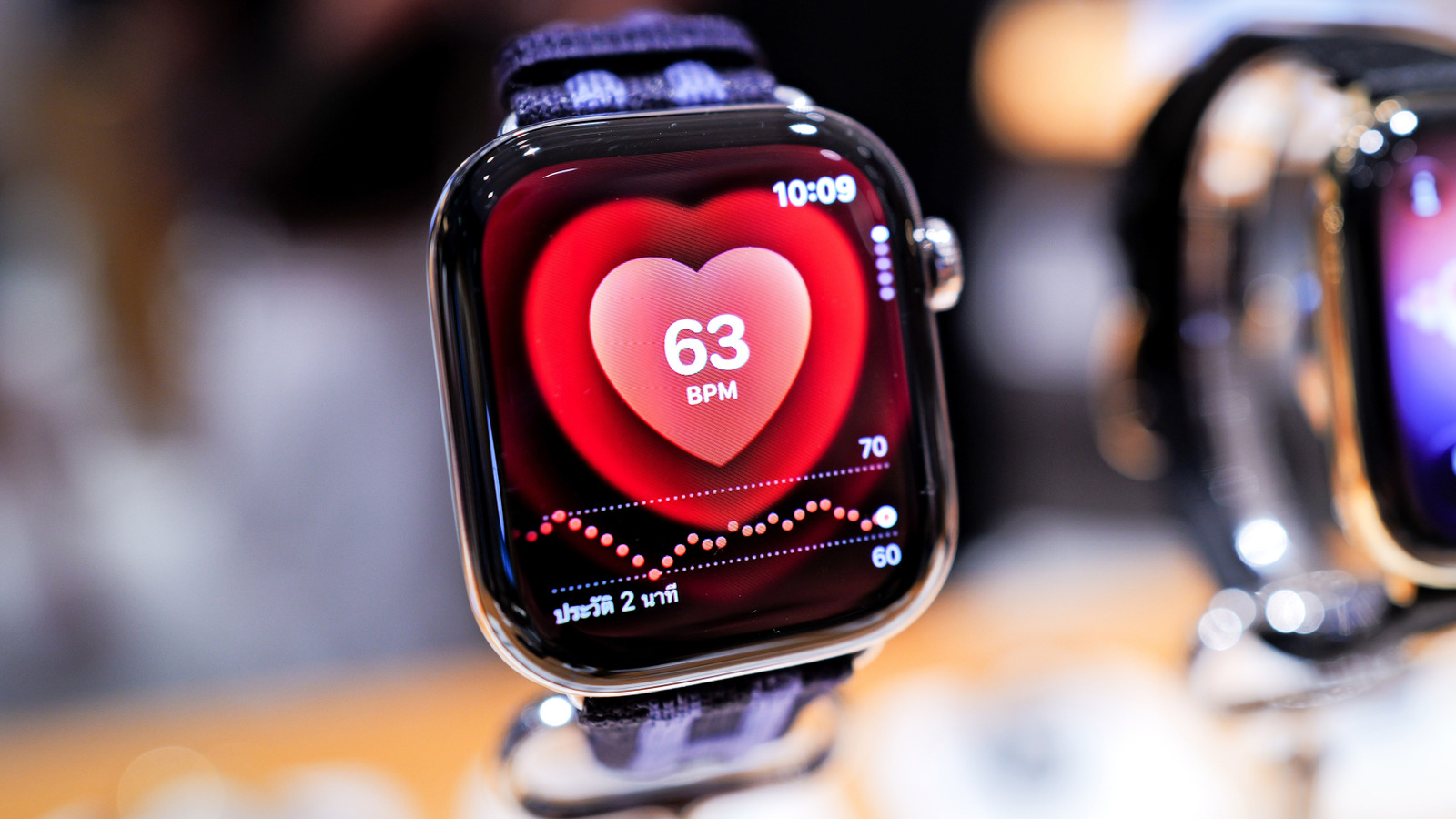
CDC data shows that a person dies of cardiovascular disease every 34 seconds in the US. While an Apple Watch cannot identify heart attacks, it can help monitor overall heart health including continuous heart rate monitoring and help to identify atrial fibrillation.
An Apple Watch uses green and infrared LED lights on its back to continuously measure your heart rate. This feature works automatically. Another feature lets you take an accurate ECG (electrocardiogram) reading to help detect irregular heart rates or the signs of atrial fibrillation. To use the ECG, open the ECG app, hold your wrist steady and touch the Digital Crown with your finger — you’ll get a reading in thirty seconds.
The watch will also warn you if your heart goes above or below set thresholds, such as above 120bpm or below 40bpm. Apple Watch shares this information with the Health app on your iPhone, where you will find a VO2 Max reading that assesses your overall cardio fitness based on the information gathered by the sensors on your watch.
To enable Heart-related features on your Apple Watch, open Settings > Heart and toggle the available heart features you want to use On.
Your Apple Watch can remind you to take your medicine
Forget to take your pills? Medication Reminders can help you stay up-to-date. To set this up, open the Health app on your iPhone, tap Browse > Medications and then Add Medication. Search for your medicine, tap Add, follow the prompts for setting up a schedule and tap Done.
You can add multiple medications, after which your Apple Watch will tap your wrist and send you a notification when it’s time to take your dose. You can create a log of medicinal compliance to share with a doctor.
Bonus: The sleep tracker on Apple Watch can flag potential sleep apnea for medical investigation. To set it up, open Sleep on Apple Watch (or in the Health app on your iPhone). Turn on Track Sleep with Apple Watch. In the Health app, tap Browse > Respiratory > Sleep Apnea Notifications.
Sound and accessibility alerts are beneficial for seniors
Apple believes everyone should be able to use its technology and includes accessibility features in its products for no extra charge. That commitment extends to the Apple Watch, which is packed with tools to help people live independent lives.
Hearing loss becomes more common with age, with Achieve claiming one in four US adults in their sixties suffer from it. Apple’s Sound Recognition tool helps by using the Apple Watch and iPhone to listen for specific sounds, such as doorbells, sirens or fire alarms.
Enable Sound Recognition in Accessibility Settings on your iPhone. Tap Sound & Name Recognition > Sound Recognition, toggle to On and choose the sounds you want it to recognize.
Apple has also figured out how to make Apple Watch more usable by those who are visually impaired. Press the side button to open Control Center, tap the AA icon and turn the Digital Crown to adjust font size to make it easier to read. If you want more information on any of these features, Apple provides an extensive explanation here.
